The catalogue
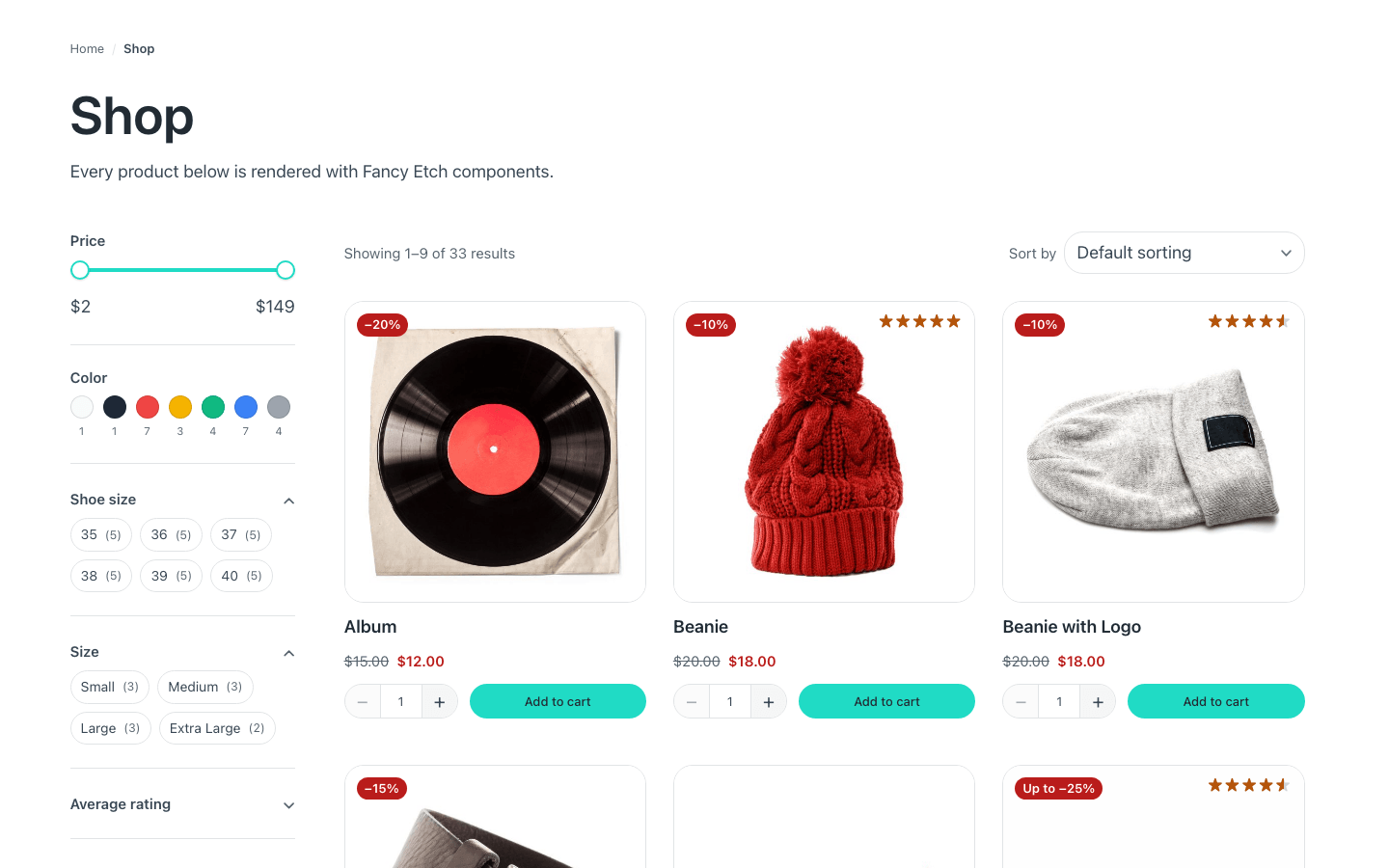
The shop and category archives: what narrows the list, what counts it, and what pages it.
Before you build this surface
Three things are true of the whole catalogue, and the builder panel says them once at the top of the tab rather than on every component:
- Filtering, sorting and paging without reloading: wrap the bar, the grid
and the pagination in one element with the attribute
data-fe-woo-results. Only what is inside it is replaced — a count left outside keeps the old numbers. - Set how many products a page shows once: your Etch loop's «posts per page», or Fancy Etch → Shop.
- Search results and attribute archives —
/?s=hoodie&post_type=product,/color/blue/— use this same template: there is no second one to build or keep in step. Give its heading a branch that says what was searched — see The results page.
In this section
- Product cards in a loop — the grid, and the components inside each card
- Catalog Bar
- Catalog Pagination
- Breadcrumb
- A category's own heading
The filters and the search have sections of their own: