Wishlist
A heart that saves anything published —a product, a post, a page— and a page that lists what each visitor saved. It works with WooCommerce and without it.
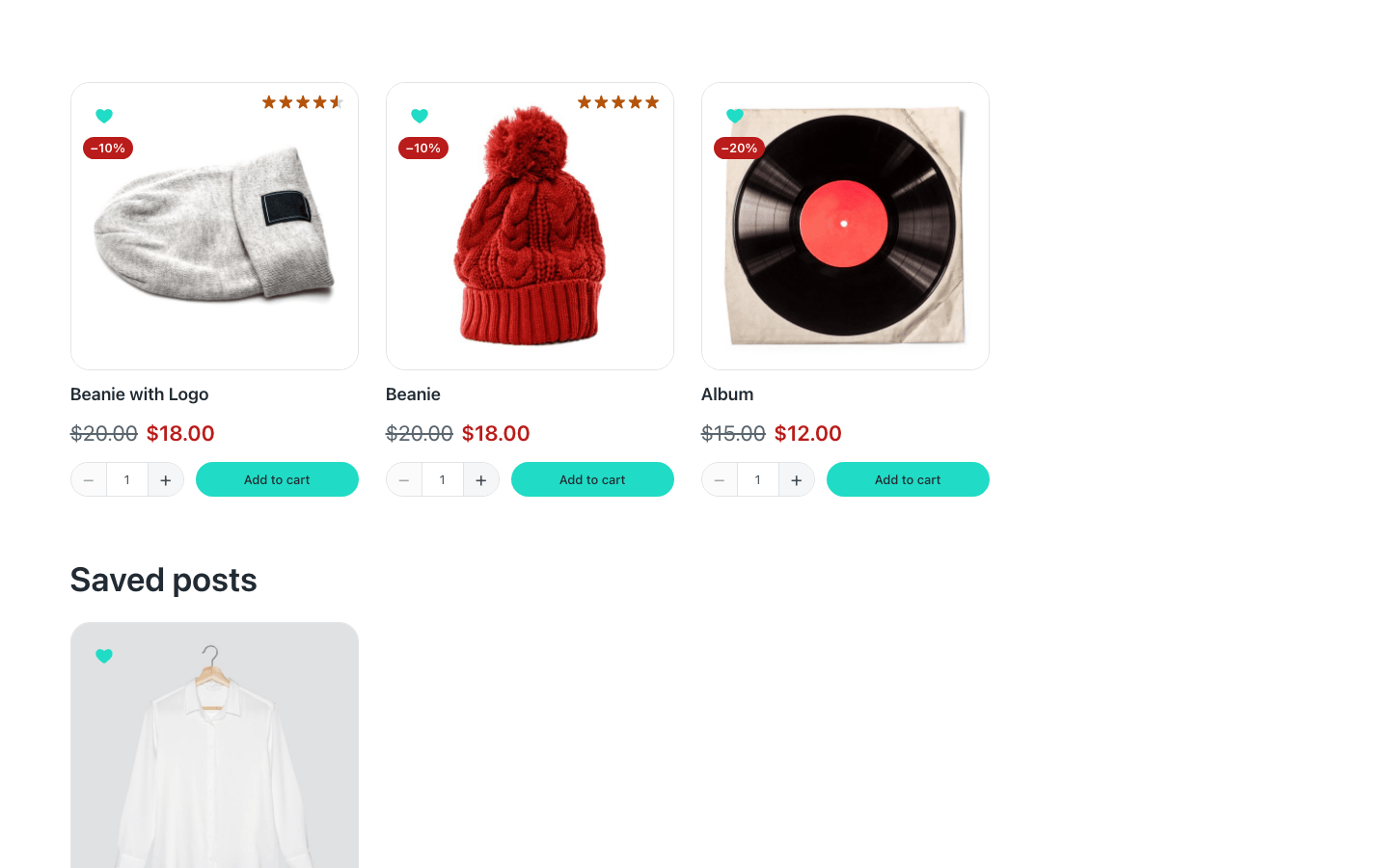
- Guests too. Without an account the list lives in the browser; with one, in the account. What a guest saved moves to their account when they log in.
- Safe behind a page cache. Nobody's list travels in the page's HTML: the hearts and the count fill in in the browser, and the wishlist page is never cached.
- Built with Etch. The list is an Etch loop with your own card inside, so it looks like the rest of your site.
Setting it up
- Choose the wishlist page in Fancy Etch → Wishlist. The Wishlist Count links there, and a guest's list only reaches the server on that page.
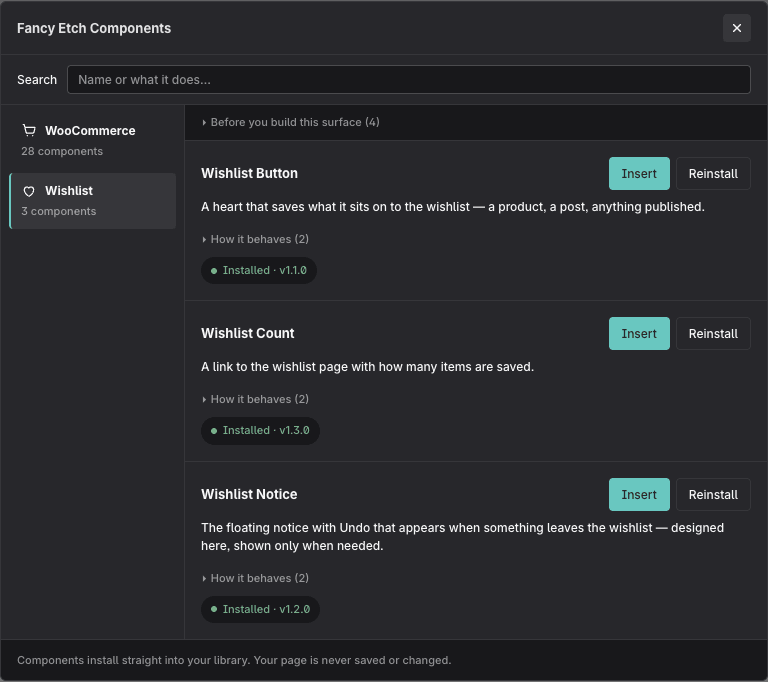
- Install the components from the Fancy Etch panel in the builder, under Wishlist: Wishlist Button, Wishlist Count and Wishlist Notice.
- Put a Wishlist Button wherever something can be saved: on your product or post template, or inside the card of an Etch loop — see Hearts in a loop.
- Build the wishlist page with the Wishlist loop — see The wishlist page.
- Add a Wishlist Count to your header.
Settings
In Fancy Etch → Wishlist:
- Wishlist page — the page that shows each visitor's list.
- Items per list — how many items one visitor can keep. A list already past it keeps everything and takes no more.
- Delete lists on uninstall — off by default: deleting the plugin leaves the lists in the accounts, in case you reinstall.
What a shopper reads —«Saved to your wishlist», the Undo notice…— is in Fancy Etch → Texts → Wishlist, in any language. What belongs to a component, like the heart's label, is one of its props.
The colours follow the store tokens in Fancy Etch → Design, with WooCommerce or without it.
Privacy
WordPress's personal data tools, in Tools → Export Personal Data and Erase Personal Data, include each customer's wishlist, and the privacy policy guide has a paragraph ready to adapt. A guest's list is kept in their own browser: the site reads it to draw the wishlist page and stores nothing until they log in.
Without WooCommerce
Everything in this section works the same. The Fancy Etch panel in the builder shows only the Wishlist, and the settings show Wishlist, Design, Texts, Etch and License. On a site that switches WooCommerce off, the shop components already on its pages draw nothing until it is back.